Smart LNB for DStv Explora: Complete Technical Guide for 2026
The smart LNB for DStv Explora is one of the most critical hardware components in any modern satellite setup, and understanding how it works can directly impact the performance of your decoder. In fact, a Smart LNB can support up to 3 Explora decoders in a single household using a one-cable infrastructure, significantly reducing installation complexity across multi-room environments. At DSTV Pro Installers, we handle smart LNB fitting, alignment, and compatibility checks throughout Gauteng, reachable at 0774544032.
Key Takeaways
- What is a Smart LNB? It is a specialised Low Noise Block downconverter engineered specifically for DStv Explora decoders, supporting single-cable multi-decoder operation.
- Is a Smart LNB interchangeable with a universal LNB? No. Explora decoders require a Smart LNB to access their full feature set, including CatchUp, PVR, and XtraView functionality.
- How many decoders can a Smart LNB support? A single Smart LNB supports up to 3 Explora decoders through a one-cable system (SatCR/unicable technology).
- What dish size is needed? A minimum 80cm dish is recommended for reliable signal in 2026, especially for 4K and HD-intensive Explora Ultra setups.
- Can I install a Smart LNB myself? We strongly advise against DIY. Precision alignment and frequency band allocation require a qualified DStv accredited technician.
- Where can I get same-day Smart LNB installation in Gauteng? DSTV Pro Installers offers same-day Explora installation across 28 Gauteng suburbs.
- What warranty applies? Accredited installations carry a 3-month workmanship warranty and a 12-month hardware warranty on the Smart LNB itself.
What Is a Smart LNB for DStv Explora?
A Smart LNB (also referred to as a SatCR LNB or unicable LNB) is a satellite signal converter specifically engineered to work with Explora-class decoders. Unlike a standard universal twin or quad LNB, it uses Satellite Channel Router (SatCR) technology to send multiple tuner signals down a single coaxial cable without signal interference.
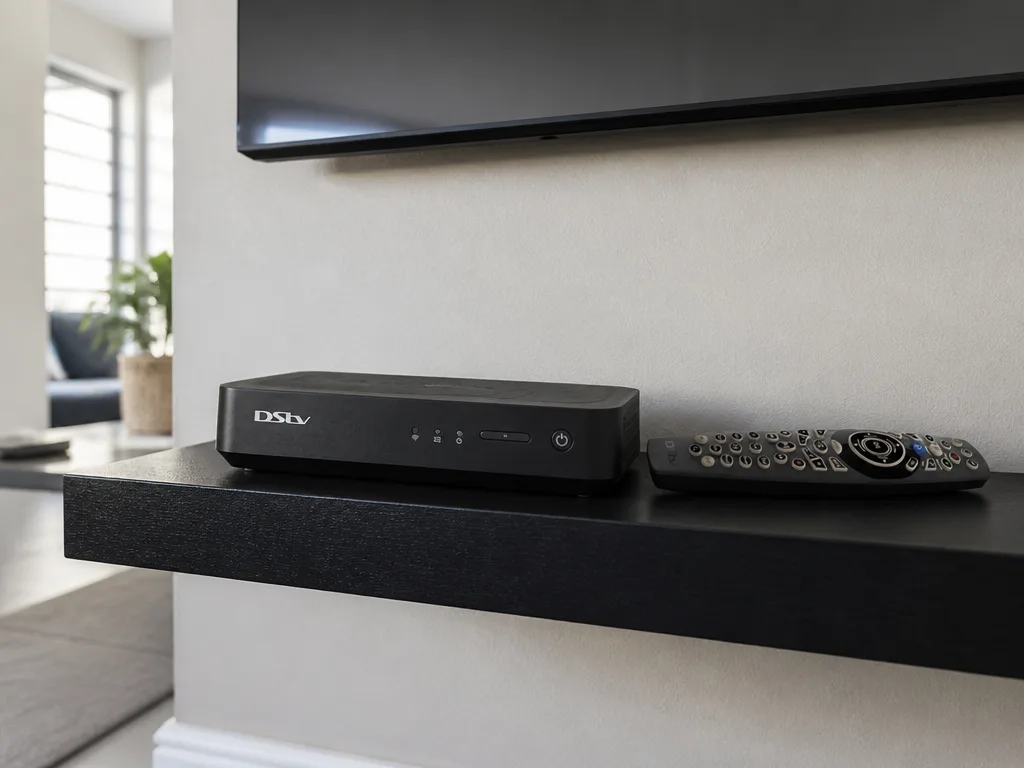
The Explora decoder contains two internal tuners, one for live viewing and one for simultaneous recording. A Smart LNB addresses both tuners through frequency stacking, assigning each tuner its own dedicated user band within the cable's frequency spectrum.
How the Smart LNB Works with Your DStv Explora Decoder
When your Explora decoder boots up, it sends a DiSEqC command to the Smart LNB requesting specific user band frequencies. The LNB then converts satellite transponder signals into those allocated frequencies and transmits them down the single cable simultaneously.
This differs fundamentally from how a universal LNB communicates, which uses voltage switching (13V/18V) and tone bursts (22kHz) to toggle between polarities and satellite bands. The Smart LNB's SatCR protocol allows far greater spectral efficiency over one cable run, which is why dstv installation with an Explora demands this specific hardware.
Every Smart LNB is pre-configured with a set number of user bands. Each band is permanently mapped to a frequency slot, and the Explora decoder selects the correct band based on its unicable configuration settings. This is why a dstv technician must configure both the decoder's unicable settings and the LNB position during setup.
Smart LNB for DStv Explora: Key Specifications and Models
The two primary Smart LNB models compatible with Explora decoders are the LMX501 and the older LMX500. Both are manufactured for SatCR operation but differ in their user band capacity.
- LMX500: 24 user bands, supports up to 2 Explora decoders in an XtraView configuration
- LMX501: 30 user bands, supports up to 3 Explora decoders, improved noise figure, recommended for 2026 installations
- Frequency range: 950MHz to 2150MHz input, with user band outputs configurable across this range
- Local oscillator frequencies: 9.75 GHz (low band) and 10.6 GHz (high band)
- Noise figure: 0.3 dB on premium units, critical for marginal signal environments
We recommend the LMX501 for all new smart LNB for DStv Explora installations in 2026. Its expanded band capacity future-proofs the installation, particularly in households planning to add additional Explora decoders at a later stage.
Why Your DStv Explora Requires a Smart LNB (Not a Universal LNB)
Installing a standard twin or quad universal LNB with an Explora decoder will result in critical functionality failures. The Explora's dual-tuner architecture requires both tuners to access separate frequency bands simultaneously through one cable, which a universal LNB cannot provide without splitting the cable and risking signal degradation.
Specifically, the following Explora features will not function correctly without a Smart LNB installed:
- PVR recording: Cannot record one channel while watching another without dedicated per-tuner frequency allocation
- CatchUp streaming: Requires a data-ready decoder state that depends on stable dual-band signal availability
- BoxOffice on demand: Relies on a continuous satellite signal pathway that a unicable LNB provides
- XtraView multi-room: Requires user band sharing across multiple decoders, which only SatCR supports
- High-band transponder access: Smart LNBs are designed to receive high-band transmissions, which are necessary for new satellite capacity supporting more HD channels
This is why every dstv installation involving an Explora decoder must specify a certified Smart LNB as part of the hardware checklist.
A concise visual guide showing a five-step process to install a Smart LNB with DSTV Explora. Follow the steps to ensure proper setup and optimal signal.
Smart LNB Installation for DStv Explora: What the Process Involves
A professional smart LNB for DStv Explora installation follows a structured technical sequence. Each step affects signal integrity and long-term decoder stability.
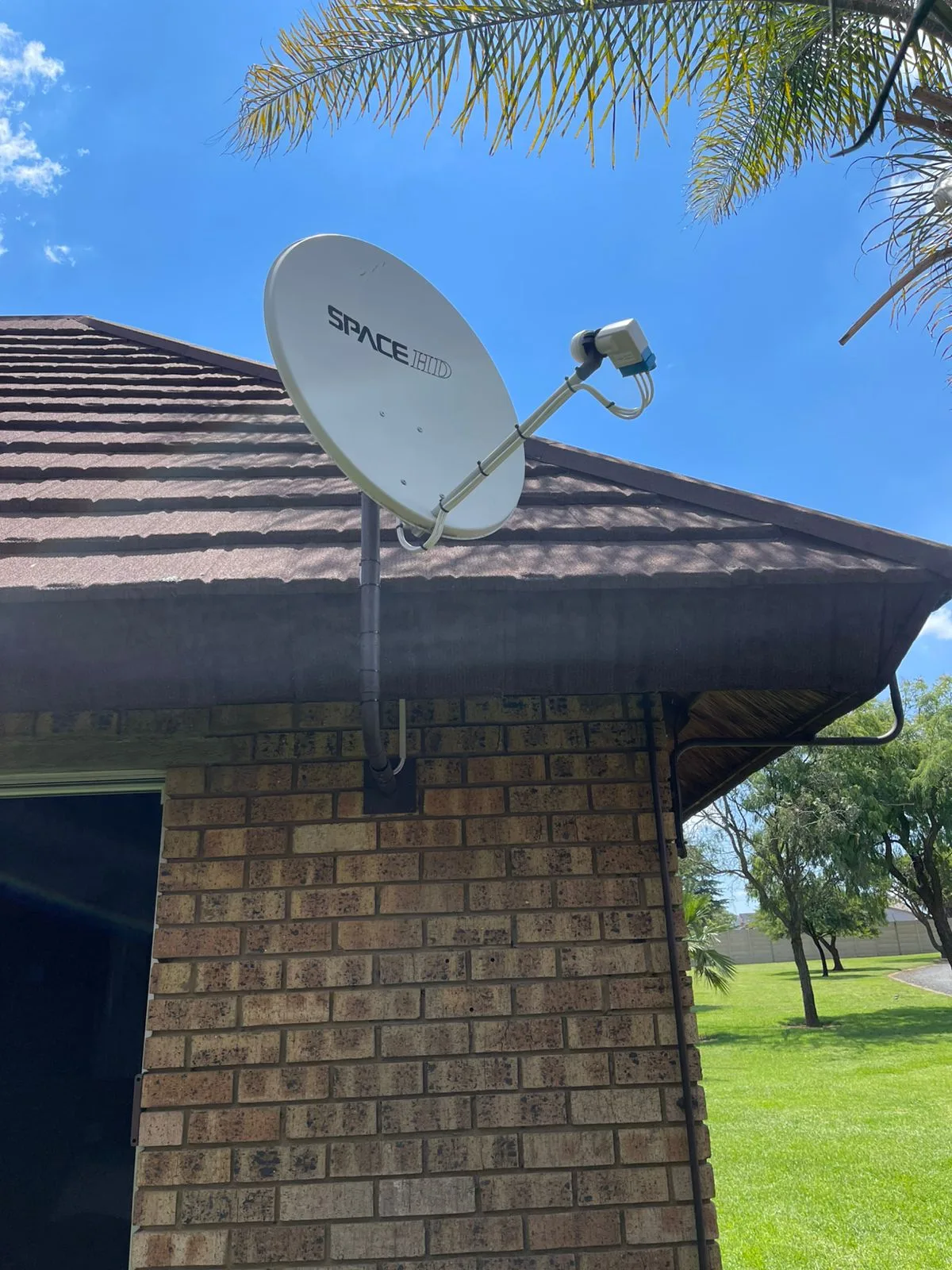
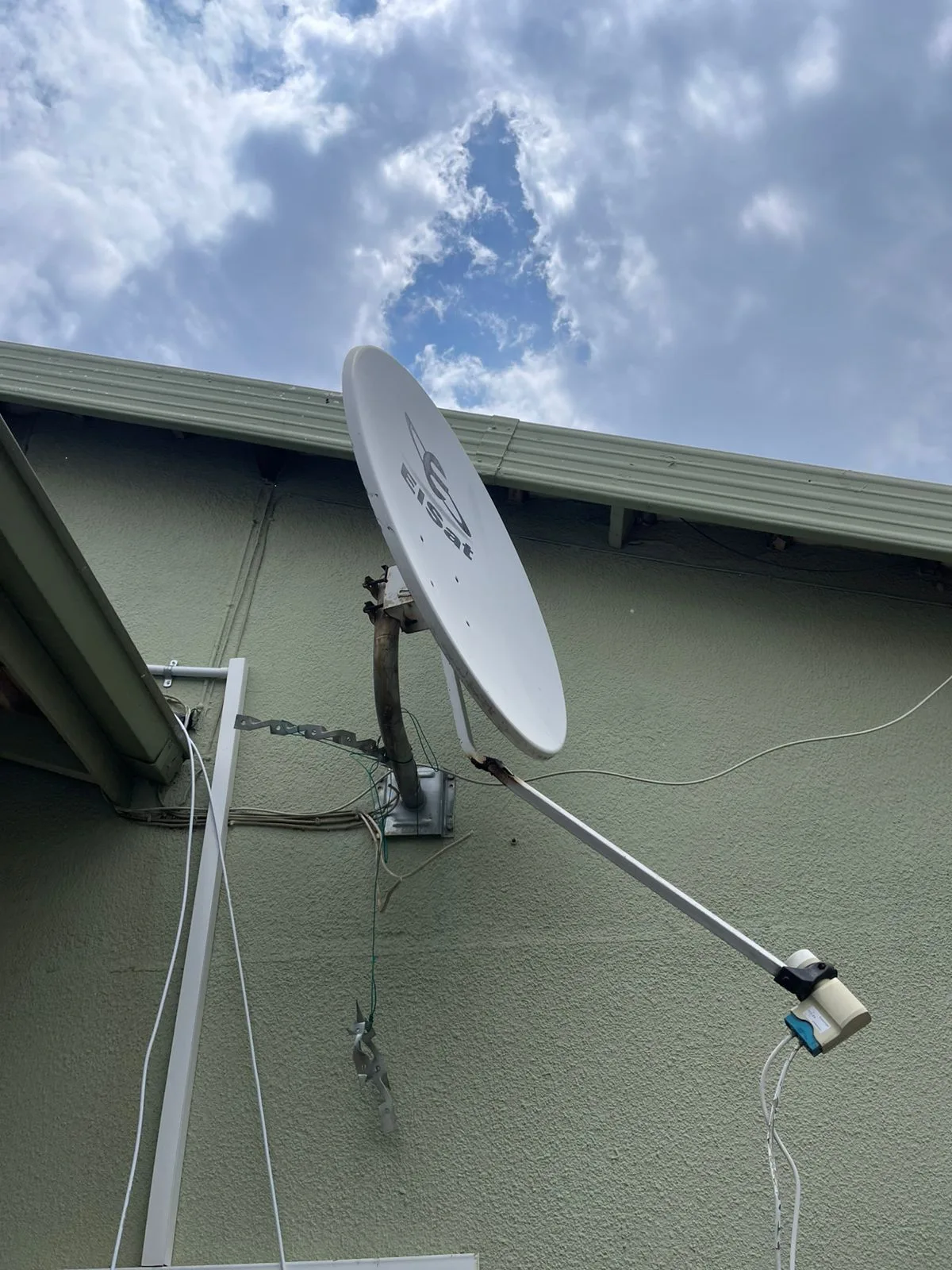
- Dish mounting and orientation: The satellite dish must be positioned with a clear line-of-sight to the Intelsat 20 (IS-20) satellite at 68.5° East, free of obstructions. We target 90%+ signal quality during alignment.
- LNB fitting and clamping: The Smart LNB is fitted to the dish's focal arm at the correct offset angle, with the polarisation skew adjusted for the South African geographic position.
- Single cable routing: A single RG-6 or equivalent coaxial cable is run from the LNB to the Explora decoder. Cable quality, connector crimping, and bend radius all affect signal integrity.
- Unicable configuration: The Explora decoder is configured to the correct user band number (typically 1 or 2 depending on which position is free on the LNB). This is done through the decoder's installation settings menu.
- Signal verification: A signal meter or the decoder's own signal diagnostics screen is used to confirm both signal strength and signal quality readings are within acceptable thresholds.
Our dstv technician team carries calibrated signal meters on every job, ensuring that signal quality readings are verified at the LNB level and at the decoder input before the job is signed off.
Smart LNB for DStv Explora XtraView and Multi-Room Setups
One of the most practical advantages of the smart LNB for DStv Explora is its native support for XtraView configurations. XtraView allows two Explora decoders (or an Explora paired with a secondary decoder) to operate under a single subscription, with the primary decoder acting as the host.
Using an LMX501 Smart LNB, up to three Explora decoders can be connected via a single coaxial cable from the dish. Each decoder is assigned a unique user band, and the LNB manages frequency slot allocation independently. This eliminates the need for a multiswitch in most residential setups.
For larger properties or commercial installs requiring more than three decoders, a cascaded Smart LNB or unicable-compatible multiswitch is required. This extends the available user bands while maintaining single-cable infrastructure throughout the building.
Common Smart LNB Problems with DStv Explora Decoders
When a smart LNB for DStv Explora underperforms, specific error patterns emerge. Understanding these symptoms helps a dstv technician diagnose the fault more efficiently on-site.
- E16 / No Signal errors: Usually indicates a user band conflict, incorrect unicable band assignment in the decoder, or a failed LNB output port.
- Pixelation during recording: Commonly caused by insufficient signal quality (below 70%), not to be confused with low signal strength. Both readings must meet thresholds independently.
- PVR not recording second stream: Indicates that tuner 2 is not receiving its allocated user band, often due to a misconfigured installation or a faulty LNB band.
- CatchUp content not loading: While this is sometimes a network issue, a poorly configured Smart LNB that drops signal intermittently can prevent the Explora from maintaining the stable satellite connection required for on-demand services.
- Signal drops during rain: Marginal setups using 60cm dishes are particularly vulnerable to rain fade. An 80cm to 90cm dish with a low noise-figure Smart LNB significantly reduces this risk.
Signal quality below 70% is the primary threshold at which pixelation and freezing occur on Explora decoders, even when signal strength reads high. Our dstv installers always test both values independently before closing a job.
How Our DStv Technician Team Handles Smart LNB Installations in Gauteng
DSTV Pro Installers operates across 28 suburbs in Gauteng, offering same-day smart LNB for DStv Explora fitting, replacement, and reconfiguration. Our dstv installers are accredited and carry the full range of Smart LNB hardware, coaxial cable, and signal testing equipment on every vehicle.
Every job includes a post-installation signal verification report, and all work is covered by a 3-month workmanship warranty. The Smart LNB hardware itself carries a 12-month warranty from date of installation.
We also handle dish upgrades as part of the same visit. If your current 60cm dish is producing marginal signal quality, we can replace it with an 80cm or 90cm high-gain alternative while fitting the new Smart LNB, ensuring optimal performance from day one.
To book a same-day smart LNB installation or replacement, contact DSTV Pro Installers directly on 0774544032.
Smart LNB for DStv Explora: Areas We Cover in Gauteng
Our dstv installation service covers 28 Gauteng suburbs. Below are some of the key areas where we regularly handle smart LNB for DStv Explora setups.
- Roodepoort - Full Explora installation and dish alignment
- Silverton - Smart LNB fitting with cable routing and testing
- Northcliff - HD/4K Explora compatibility checks and signal optimisation
- Faerie Glen - Smart LNB replacement, repair, and realignment
All locations receive the same standard of workmanship, identical hardware specifications, and the same post-installation signal verification process. Our dstv technician team is dispatched with full kits, meaning no return visits are required for parts in standard installations.
What to Expect During a Smart LNB Callout with DSTV Pro Installers
When you contact us on 0774544032, we confirm your suburb, decoder model (Explora, Explora 2, Explora Ultra), and whether this is a new installation or a replacement job. This allows us to bring the correct Smart LNB model and any additional hardware required.
On arrival, the dstv technician will assess your current dish position, cable condition, and decoder signal readings. If a Smart LNB replacement is required, the old unit is removed, the new LMX501 (or appropriate model) is fitted, and the decoder's unicable settings are reconfigured to match the new LNB's user band allocation.
The total duration for a standard smart LNB for DStv Explora installation is typically 45 to 90 minutes, depending on roof access, cable routing requirements, and whether a dish upgrade is included.
Conclusion
The smart LNB for DStv Explora is not an optional upgrade. It is a required hardware component for the Explora decoder to function as designed, enabling dual-tuner recording, CatchUp, XtraView, and high-band HD channel access. Using an incompatible LNB results in degraded functionality that no software fix can resolve.
In 2026, the LMX501 is the recommended unit for all new and replacement dstv installation jobs involving Explora decoders. Its 30-band capacity, low noise figure, and single-cable architecture make it the correct choice for both single-decoder homes and multi-room XtraView setups.
DSTV Pro Installers handles smart LNB supply, fitting, alignment, and decoder configuration across 28 Gauteng suburbs. Our accredited dstv installers work to a verified signal quality standard on every job. To book a same-day installation or to get a quote for a Smart LNB replacement, call us on 0774544032.
Frequently Asked Questions
What happens if I use a universal LNB instead of a Smart LNB with my DStv Explora?
Using a universal LNB with a DStv Explora will prevent simultaneous recording and live TV viewing because the decoder cannot allocate separate frequency bands to both tuners over a single cable. Features like CatchUp, BoxOffice, and XtraView will also not function correctly without the smart LNB for DStv Explora installed.
Can I install a Smart LNB for DStv Explora myself in 2026?
DIY installation is not recommended because the Smart LNB requires precise dish alignment to achieve 90%+ signal quality and the decoder must be configured to the correct unicable user band. An incorrectly configured smart LNB for DStv Explora will produce E16 errors, recording failures, or intermittent signal loss.
How many Explora decoders can one Smart LNB support?
An LMX501 Smart LNB supports up to 3 Explora decoders using a single coaxial cable, with each decoder assigned its own dedicated user band. The older LMX500 model supports up to 2 decoders, which is why we specify the LMX501 for all new dstv installation jobs in 2026.
Why does my DStv Explora lose signal in rain even though the signal strength is high?
Rain fade affects signal quality rather than raw signal strength, and the Explora decoder requires signal quality above 70% to display a stable picture. Upgrading to an 80cm or 90cm dish combined with a low noise-figure Smart LNB is the most reliable fix for this problem.
How long does a Smart LNB for DStv Explora installation take?
A standard smart LNB for DStv Explora fitting, including dish alignment and decoder unicable configuration, typically takes 45 to 90 minutes on-site. Jobs that include a dish upgrade or extended cable routing may take slightly longer but are completed in a single visit by our dstv technician team.
Is a Smart LNB compatible with all DStv Explora decoder models?
Yes, the Smart LNB is compatible with all Explora variants including the original Explora, Explora 2, Explora 3, and Explora Ultra. Each model supports unicable/SatCR operation natively, though the dstv installer must configure the user band setting specific to each decoder's unicable slot during setup.
What warranty comes with a professionally installed Smart LNB for DStv Explora?
Accredited installations carry a 3-month warranty on workmanship and a 12-month warranty on the Smart LNB hardware from the date of installation. At DSTV Pro Installers, these warranty terms apply to all smart LNB for DStv Explora installations carried out by our accredited dstv installers across Gauteng.
Keep reading
In case you missed it
Planning a job? See accredited decoder replacement. Or browse our book a Nigel installer and Kempton Park DSTV installer service pages.
More to read: our guide: dstv extra view wiring solutions.